Effect Triggers
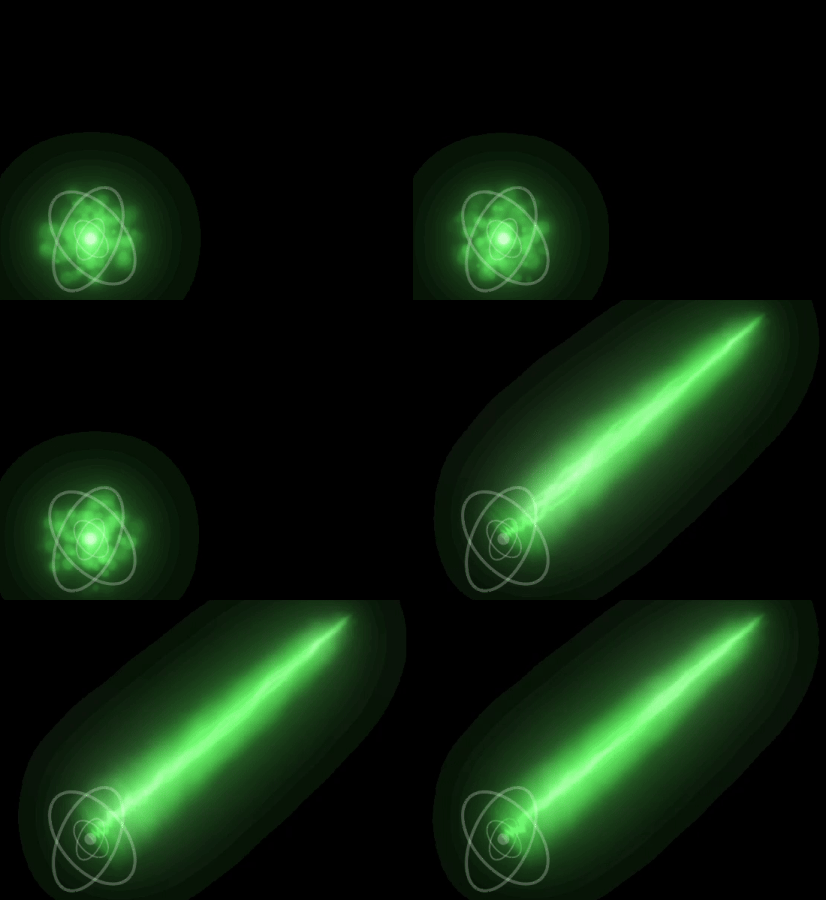
Triggers offer a way to make your effects react to events that happen in your game. For example, suppose you are creating a visual effect for a sci-fi laser weapon that has two stages: A charging stage that is active when the user holds down the mouse button and a release stage that is activated by releasing the button. You can model this with triggers inside Pixelpart: The emission of the particles of the second stage is only started when a trigger is activated.
Nodes (particles emitters, force fields etc.) in Pixelpart have two types of triggers. One for starting the node and one for stopping it. In the previous example you would first define a trigger Fire in the Triggers window:
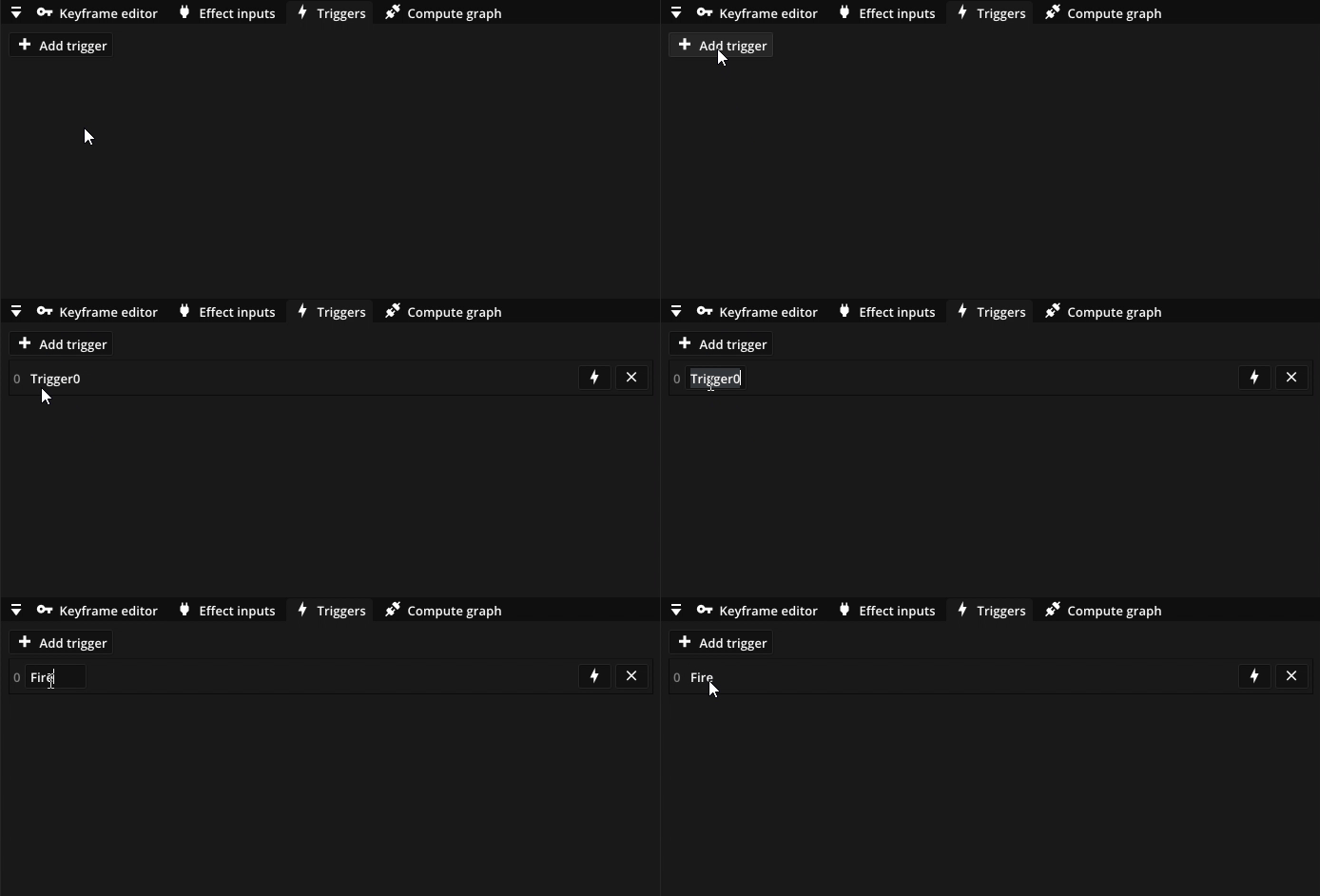
You can add, remove and rename triggers in this window. To test the effects of each trigger they can also be activated using the button next to the name of the trigger.
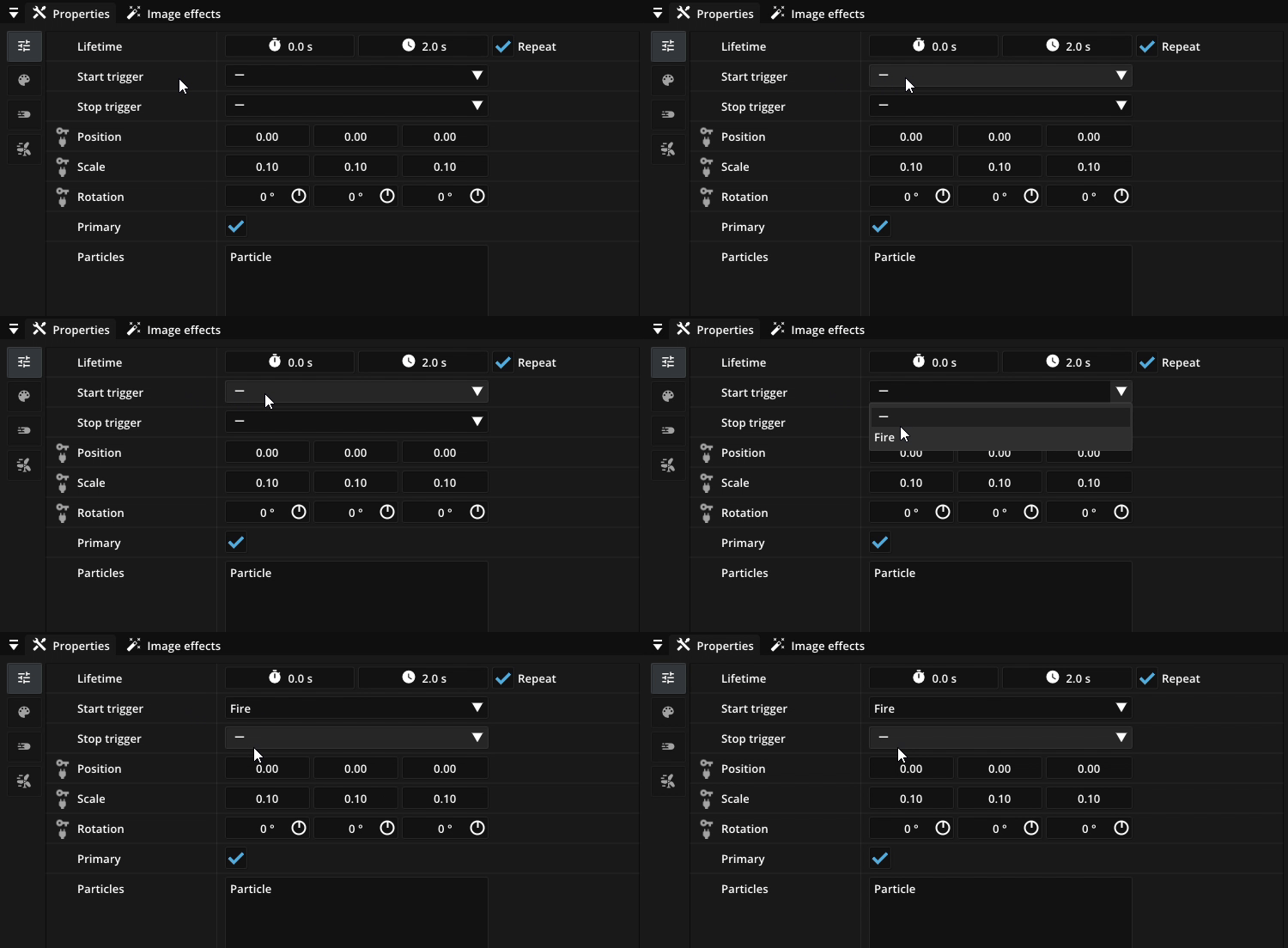
Then set this trigger as the Stop trigger of the emitter of the first stage and as the Start trigger of the emitter of the second stage:
The plugins offer functions to activate triggers via scripts. For example in Unity, when the user clicks and releases the mouse button, the Fire trigger can be activated with
effect.ActivateTrigger("Fire")