Level of Detail
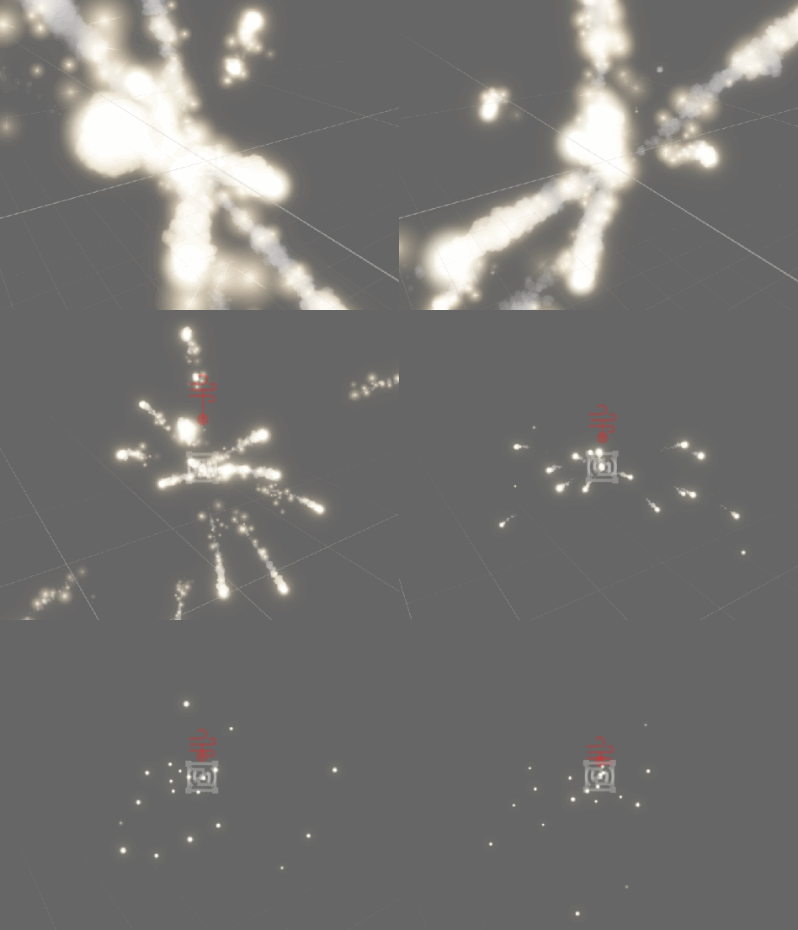
Level of detail (LOD) is a technique for reducing visual fidelity when the camera is far away in order to save computing resources. In Pixelpart, LODs can be used to reduce the number of particles or hide them completely in distant effects. Each level can define different restrictions for particles, such as a reduced particle count or lifetime, and is activated when the camera reaches the distance specified for that level.
Adding LODs
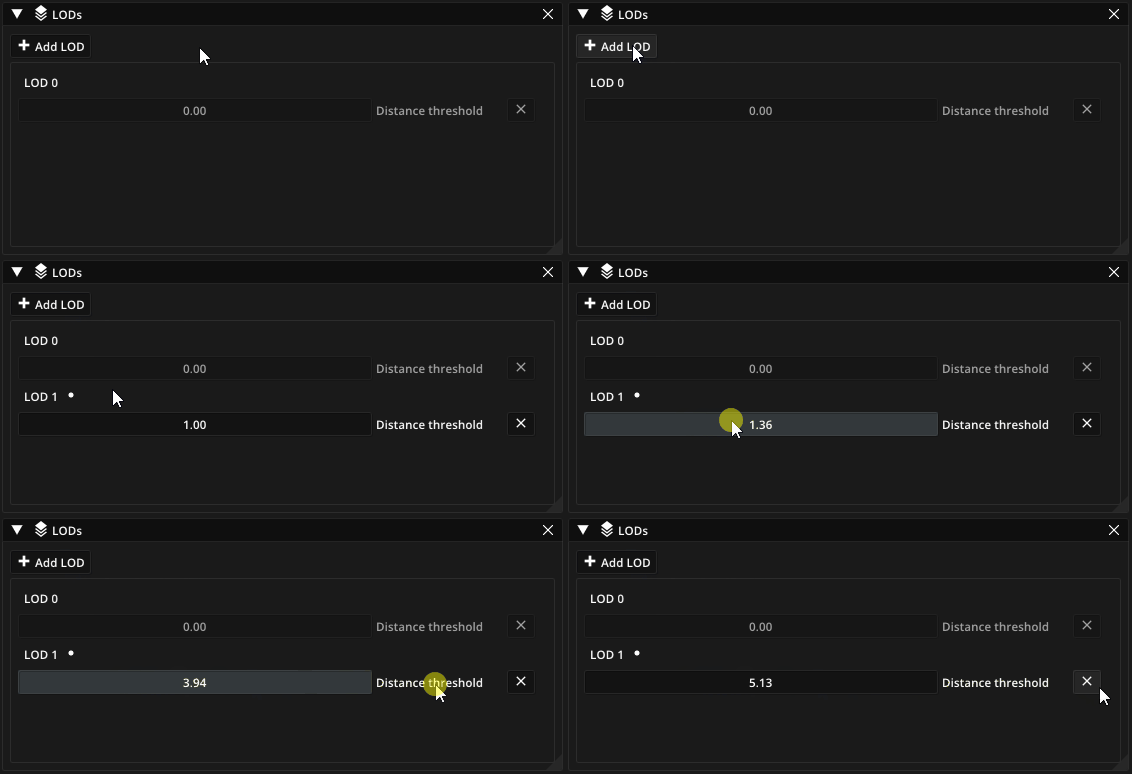
To add a new level, first open the list of LODs from the top menu under Edit > Set LODs…. In the window that opens click Add LOD to add a new entry to the list below. You can also define when each LOD becomes active by specifying its minimum distance from the camera.
Configuring LODs
The behavior of an effect at each LOD is defined in the General property section of each particle type. There are three settings:
- Emission
Percentage of particles that are spawned while the LOD is active.
- Lifetime
Percentage of the lifetime assigned to each spawned particle while the LOD is active.
- Hide
Whether to hide particles completely. This can save GPU resources, but hidden particles are still simulated. To disable particle simulation as well, set Emission to 0%.